/products).
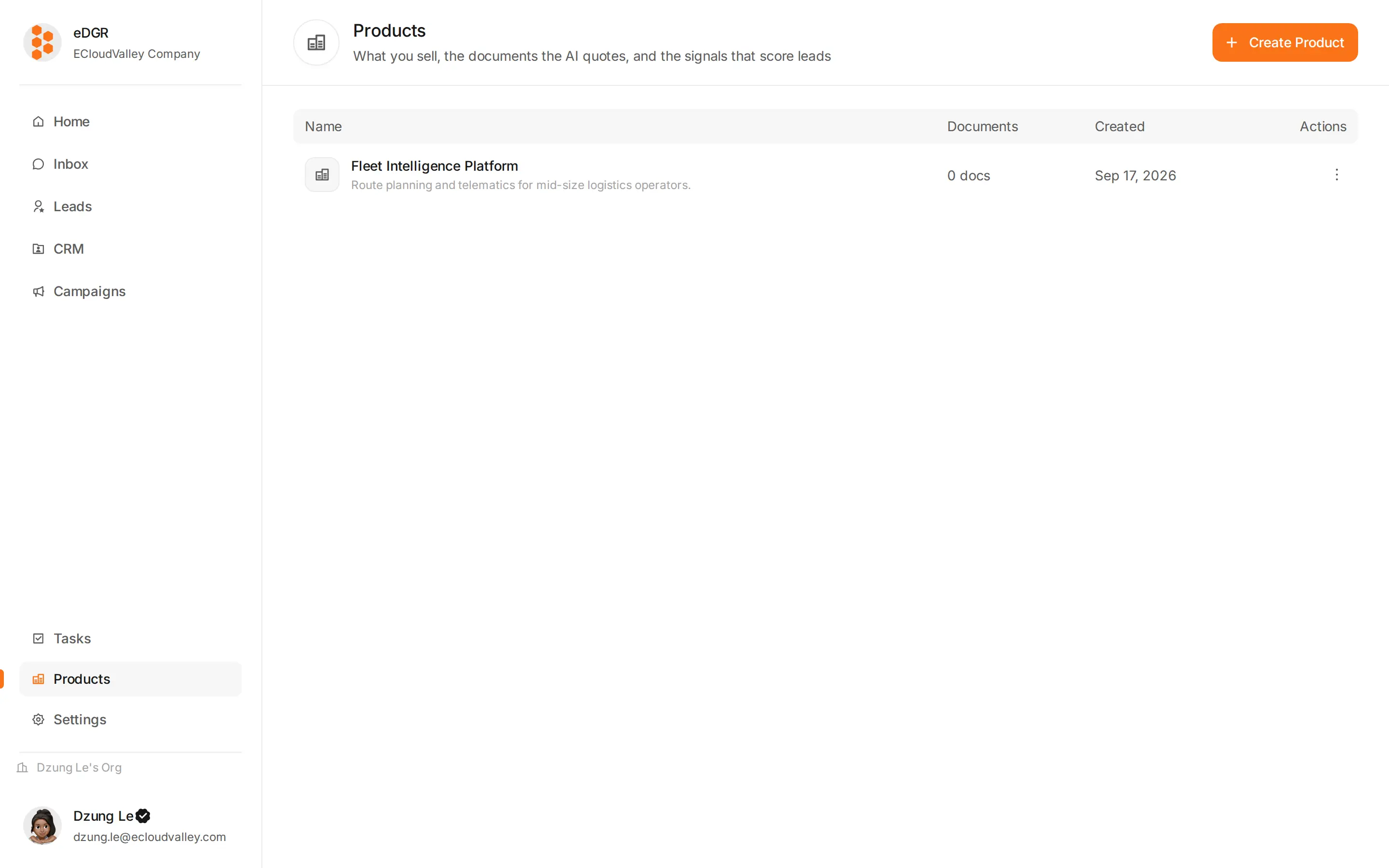
Create a product
+ New product asks for:- A name.
- A description saying what the product is for.
- An AI model, optionally — the credential used when reading this product’s documents and scoring its leads.
- Sender accounts, optionally — which messaging credentials belong to this product.
The three tabs
- Knowledges
- Lead fit
- Leads
The documents the AI can quote. Upload files or paste text, and each source is indexed for search. See Knowledge Base.
What a product is used for
- The AI agent searches its knowledge base before answering an inbound message.
- Fit signals score each customer against it, which is what the Leads ranking sorts by.
- A campaign linked to a product splits its analytics by product and resolves
{{product.*}}in templates.