Create an account
Registering creates a new workspace with you as its owner. To join a workspace that already exists, use an invite link instead — see Join a workspace.Open the registration page
Sign in
The account is active straight away — there is no confirmation email to wait for. EDGR returns you to
/auth/login, where you sign in with the email and password you just chose.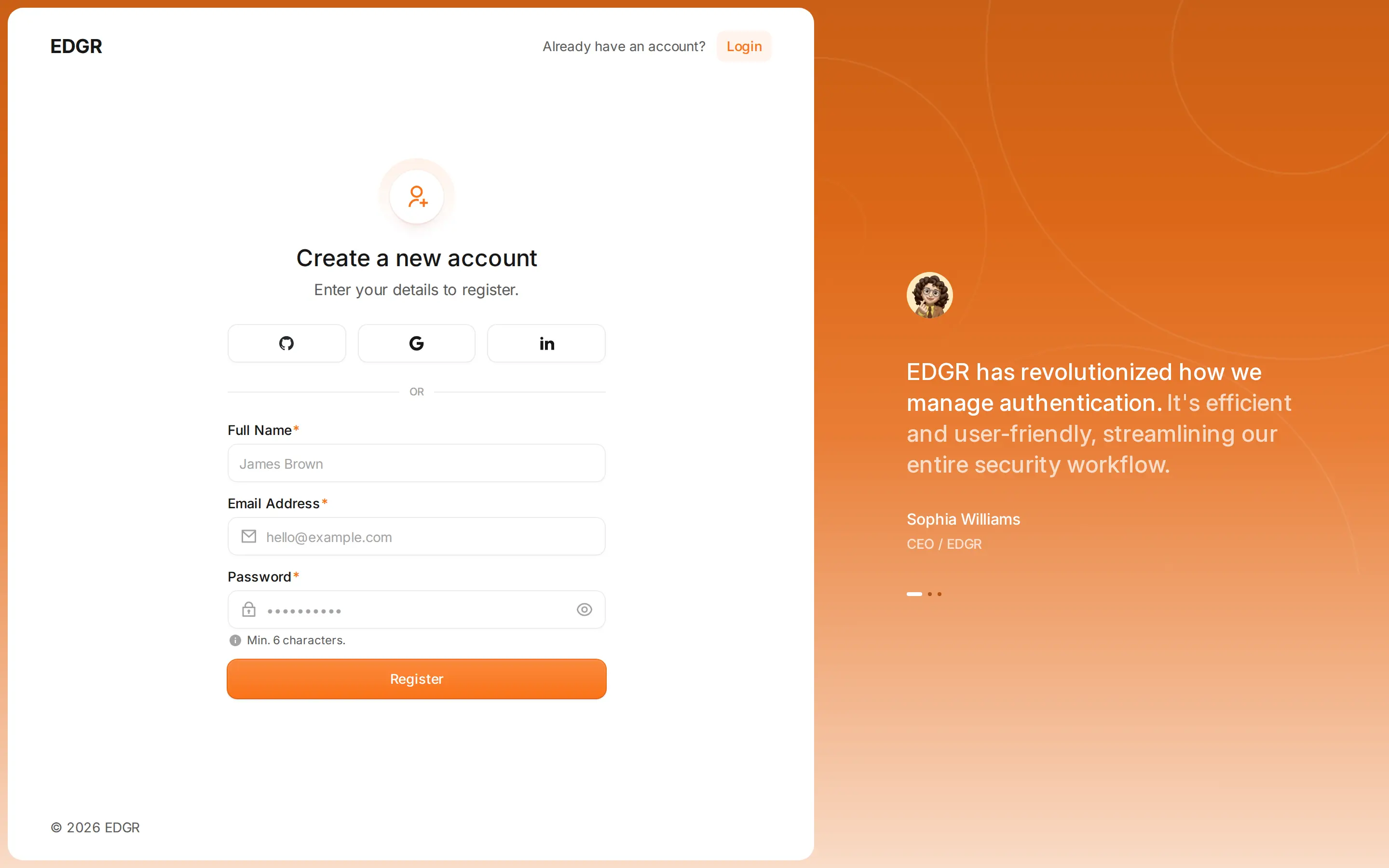
<Full name>'s Org. Rename it under Workspace Settings.
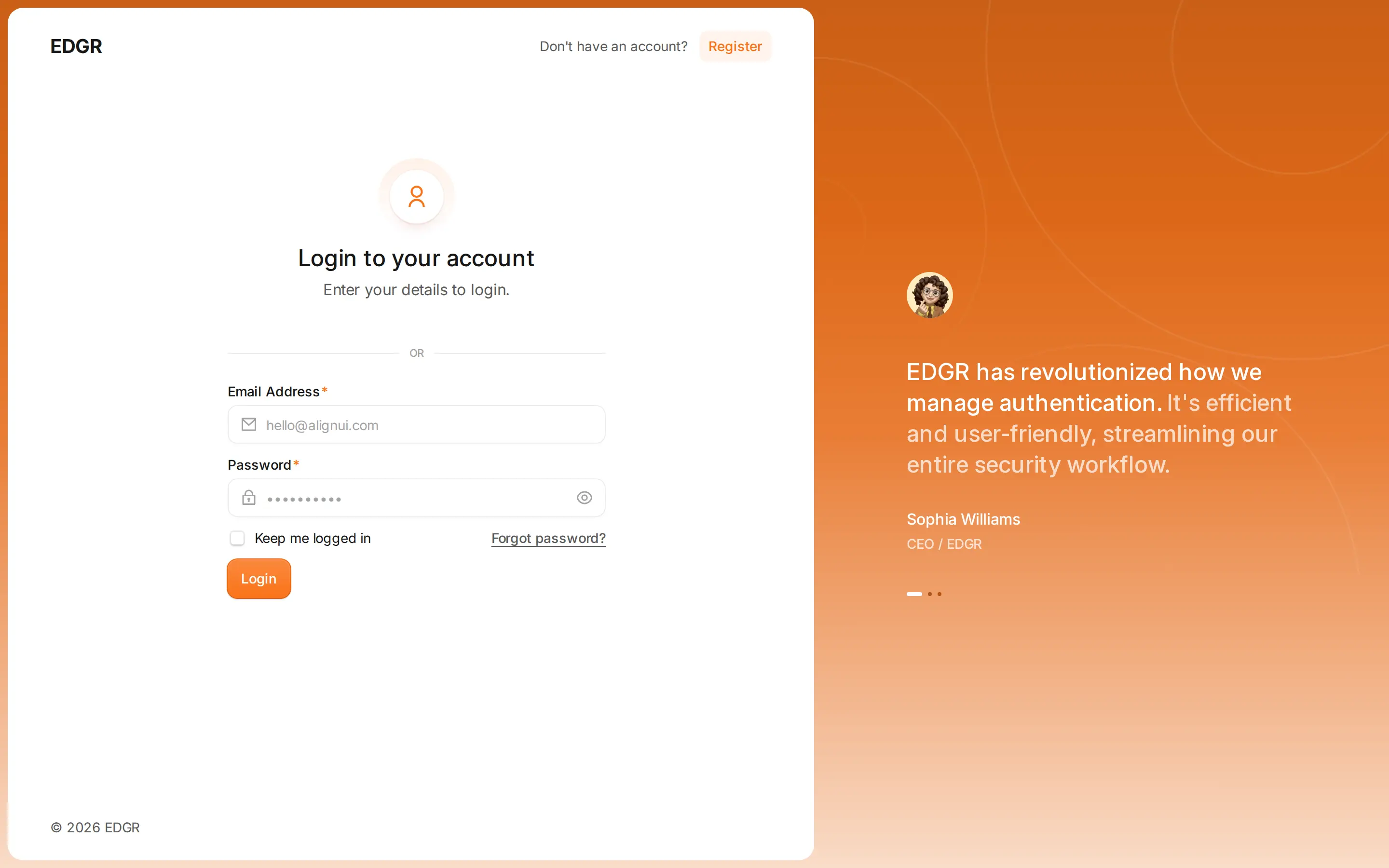
Sign in
/auth/login takes your email and password and lands you on /home.
Sessions use an access token with a refresh token behind it, so you stay signed in across reloads. When both expire you are returned to the login page.
Join a workspace
An owner invites you from Workspace Settings, and you get a link of the form/invite/<token>.
Sign in, or register
Sign in to accept if you already have an account. Otherwise register from the same page — the email from the invite is filled in for you.
Forgotten passwords
There is no self-service password reset yet. The Forgot password? link on the sign-in page leads to an unfinished screen and sends no email. Emailsupport@edgr.ecvhub.net to have a password reset by hand.