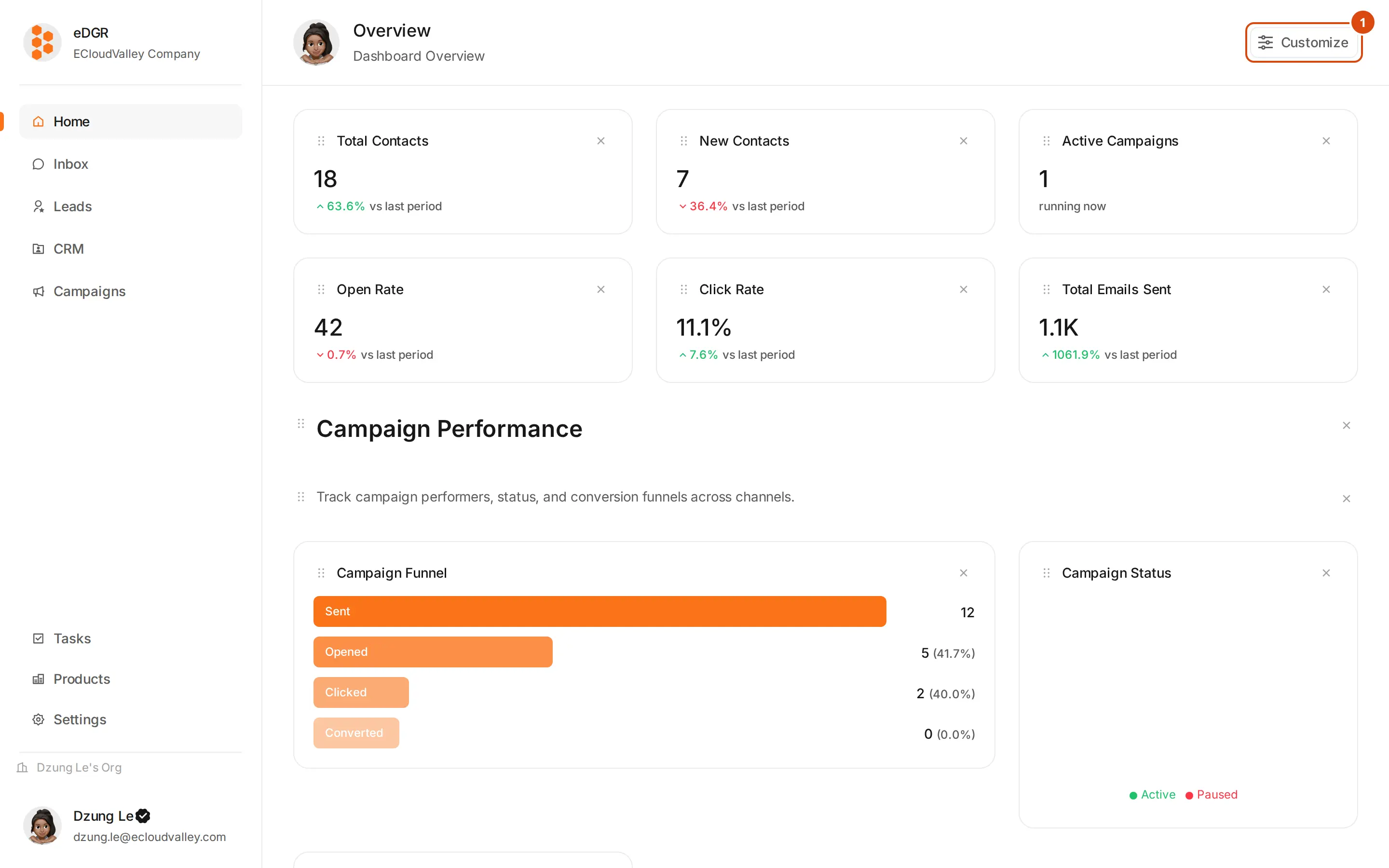
What you can do
- Keep customers, companies, deals and tasks in one CRM.
- Group customers into segments, by hand or by rule.
- Send across Email, LinkedIn and Telegram from a single campaign.
- Draw automation flows by dragging nodes onto a canvas.
- Read and reply to every channel in one inbox, with an AI agent that drafts replies.
- Score customers against each product to decide who to work first.
Terms
| Term | Meaning |
|---|---|
| Organization (org) | Your company’s workspace. Every record belongs to exactly one org. |
| Customer | A person. The main record in the CRM. |
| Contact | One channel belonging to a customer — an email address, a LinkedIn URL, a phone number, a Telegram chat ID. |
| Company | The employer a customer works for. |
| Segment | A group of customers, filled by hand or by rule. |
| Campaign | An automation flow aimed at a segment or a list of customers. |
| Node | One step inside a campaign: send an email, wait, add a tag, end the run. |
| Inbox | Where you read conversations, reply, and supervise the AI agent. |
| Credential | Login details for an outside service: an SMTP mailbox, a LinkedIn cookie, a Telegram bot token, an LLM API key. |
A customer is a person; a contact is one of that person’s channels. One customer can have three contacts — a work email, a personal email and a LinkedIn profile. This manual says “customer” for the person and “contact” for the channel throughout.
Where the app lives
Every route in this manual, such as/inbox or /crm/customers, is a page at:
App URL
Where to go next
Getting Started
Sign up, log in, set up the workspace.
CRM
Customers, companies, segments, deals, leads, tasks.
Inbox
Conversations across three channels, plus the AI agent.
Campaigns
Build and run automated outreach.
Automation Nodes
What every node in the builder does.
Settings
Account, integrations, AI providers.
Support
Emailsupport@edgr.ecvhub.net.