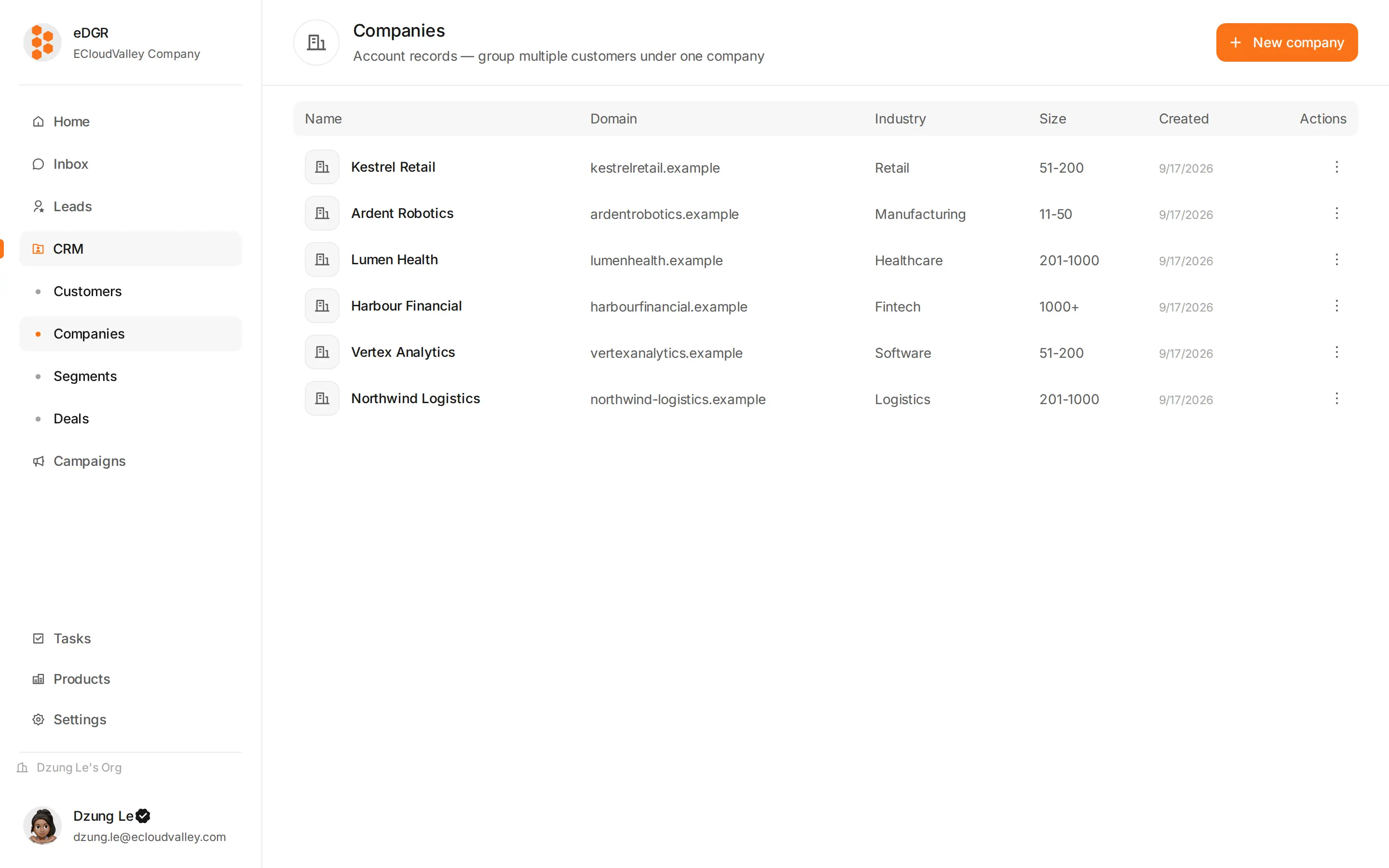
CRM → Companies (/crm/companies).
The table shows name, domain, industry, size, how many customers work there, how many deals are open, and the created date. Search matches name and domain.
Add a company
+ Add company needs a name. The domain, such as acme.com, is what matches customers to the company automatically, so it is worth filling in. Industry, size and location are optional, as are any custom fields your org has configured.
Create a customer with an @acme.com email and EDGR offers to link them to the company whose domain is acme.com.
Merge duplicates
Open the company drawer, then ”…” → Merge into…. Customers and deals move to the company you keep.
The company drawer
- Overview: name, domain, industry, size, address.
- People: the customers who work there. Click one to open their drawer.
- Deals: open and closed deals on this company.
- Notes: internal notes.